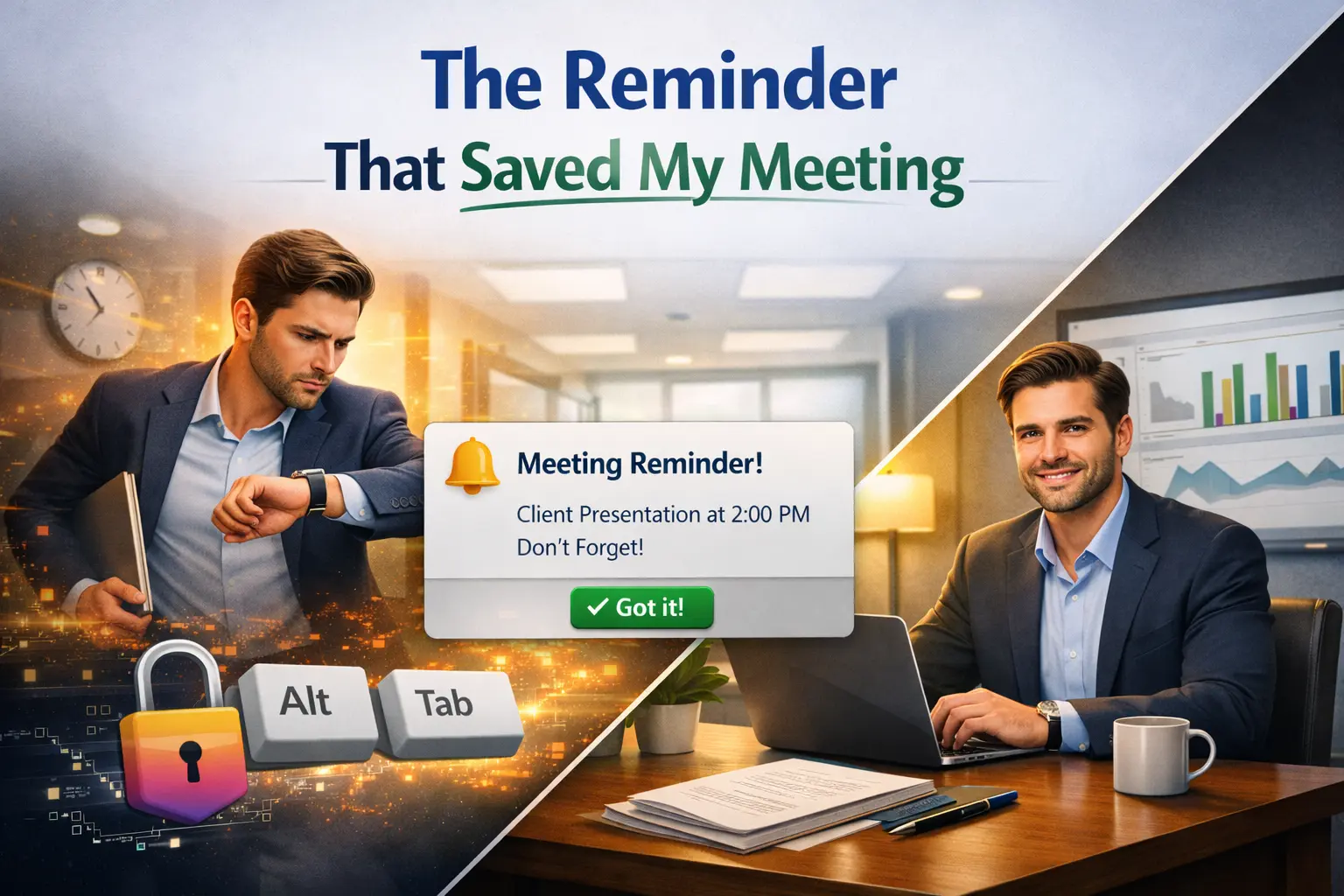
I missed a team meeting on a Wednesday afternoon. Not because I forgot about it. I'd set a reminder 15 minutes before. The problem was that my reminder showed up as a small toast notification in the bottom-right corner of my screen, right behind the Visual Studio I was staring at. I didn't see it. I didn't hear it over my headphones. By the time I checked my calendar, the meeting had been going for 7 minutes, and I was missing.
That was the moment I decided that polite reminders are broken.
Why most reminders don't work
Here's what a typical Windows reminder looks like: a small rectangle slides in from the corner of your screen, hangs around for a few seconds, and then quietly disappears into the notification center where it joins the graveyard of things you meant to deal with later.
This design makes a reasonable assumption: you're paying attention to your screen and will notice a small visual change in your peripheral vision. For some people, that assumption holds up. For me, and for a lot of people I've heard from, it doesn't.
When you're focused on a task, your brain actively filters out things that aren't relevant to what you're doing. Psychologists call this inattentional blindness. It's the same reason you can look directly at your keys on the counter and not see them when you're searching for your phone. Your attention is elsewhere, and your brain decides the keys (or the toast notification) aren't important enough to register.
The deeper you're focused, the worse this gets. And the moments when you most need a reminder to pull you out of what you're doing are exactly the moments when you're least likely to notice one.
The ADHD factor
I should mention that I have ADHD tendencies. I'm not saying this for sympathy or as an excuse. I'm saying it because it's relevant to why I designed reminders the way I did.
People with ADHD often experience hyperfocus, a state where you lock onto a task so intensely that the outside world fades out. It's productive when it works in your favor, but it means a gentle notification might as well not exist. I've sat through phone calls ringing on my desk without registering them because I was deep in a code review.
When I started looking into this, I found I wasn't alone. ADHD communities online are full of people describing the same problem: standard reminder apps don't break through. People set five alarms for the same event. They put sticky notes on their monitors. They ask coworkers to physically tap them on the shoulder.
The tools weren't designed for how their brains work.
What I built instead
WindowSill's Short-Term Reminders and Date have two modes. The first is a regular toast notification, because sometimes that's fine. You're between tasks, you're not deeply focused, a small nudge is enough.
The second mode takes over your entire screen. Not a pop-up window. Not a notification. Your monitor goes to a full-screen alert with the reminder text front and center. You can't miss it because there's nothing else to look at.
It's obnoxious by design. That's the point.
You set it right from the command bar. Type a quick note ("Client call in 15 min"), pick a time, and choose whether you want a gentle reminder or the full-screen kind. It takes about three seconds.
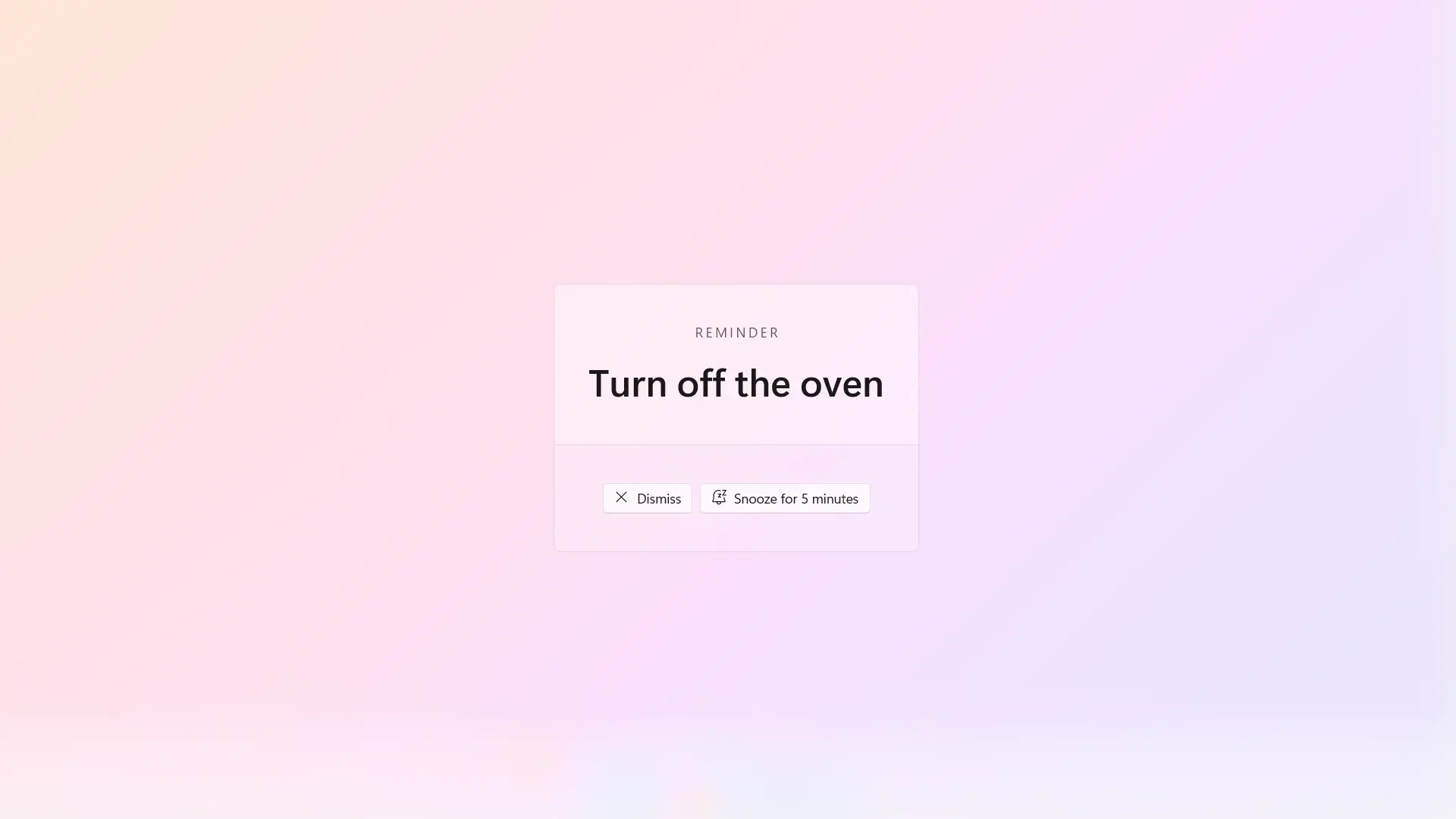
When full-screen reminders make sense
I don't use the full-screen mode for everything. That would get annoying fast and I'd start ignoring it, which would defeat the purpose. Here's how I split them:
Full-screen mode for:
- Meetings I can't be late to (client calls, interviews, standups with execs)
- Time-sensitive tasks with hard deadlines ("Submit the form before 5 PM")
- Remembering to pick up kids from school (this one came up from an actual WindowSill user)
- Anything where being 5 minutes late has real consequences
Toast mode for:
- Soft reminders ("Check on the deploy later")
- Low-stakes follow-ups ("Reply to Sarah's email")
- Things where the timing is approximate, not critical
The key is that the decision happens when you create the reminder, not when it fires. In the moment of setting it, you know whether this is a "nice to remember" or a "drop everything" situation. Your future self, deep in a code review at 2:47 PM, doesn't get to make that call.
What changed after I started using them
The client meeting I missed was the last meeting I missed. That's not an exaggeration. Since I started using full-screen reminders for anything with real stakes, I haven't been late to a single call.
But the bigger change was subtler. I stopped worrying about forgetting things. Before, there was always this low-level anxiety running in the background: "Did I set a reminder? Will I see it? Should I check my calendar again?" That mental overhead was constant and draining.
With full-screen reminders, I set it using WindowSill's Short Term Reminder feature, or create a calendar event, and forget it. I know that when the time comes, my screen will be taken over and I'll react. That trust freed up space in my head for the actual work.
Try it yourself
Short-Term Reminders and Date are part of WindowSill's free tier. No subscription, no trial period. Install it, set a reminder from the command bar, and see if the full-screen mode works for your brain the way it works for mine.
If toast notifications have always been fine for you, great. Keep using them. But if you've ever missed something because a quiet little rectangle in the corner of your screen wasn't enough, you might want something louder.
Frequently Asked Questions
Can I set reminders from the keyboard without clicking through menus?
Yes. The command bar is always visible on your screen and is actionable using Win + Ctrl + a digit. You type your reminder text, set the time, and done. The whole process takes a few seconds without opening a separate app.
Does the full-screen reminder block my work?
It takes over your screen until you dismiss it. That's intentional. You can dismiss it with a single click or keypress. Think of it as a forced pause, not a long interruption.
Can I use WindowSill reminders alongside my calendar?
Yes, particularly with the Date extension. WindowSill periodically check your calendar and will remind you of your upcoming meetings.
Are reminders available in the free version?
Yes. Short-Term Reminders and Date, including the full-screen mode, are part of WindowSill's free tier. No payment or trial required.