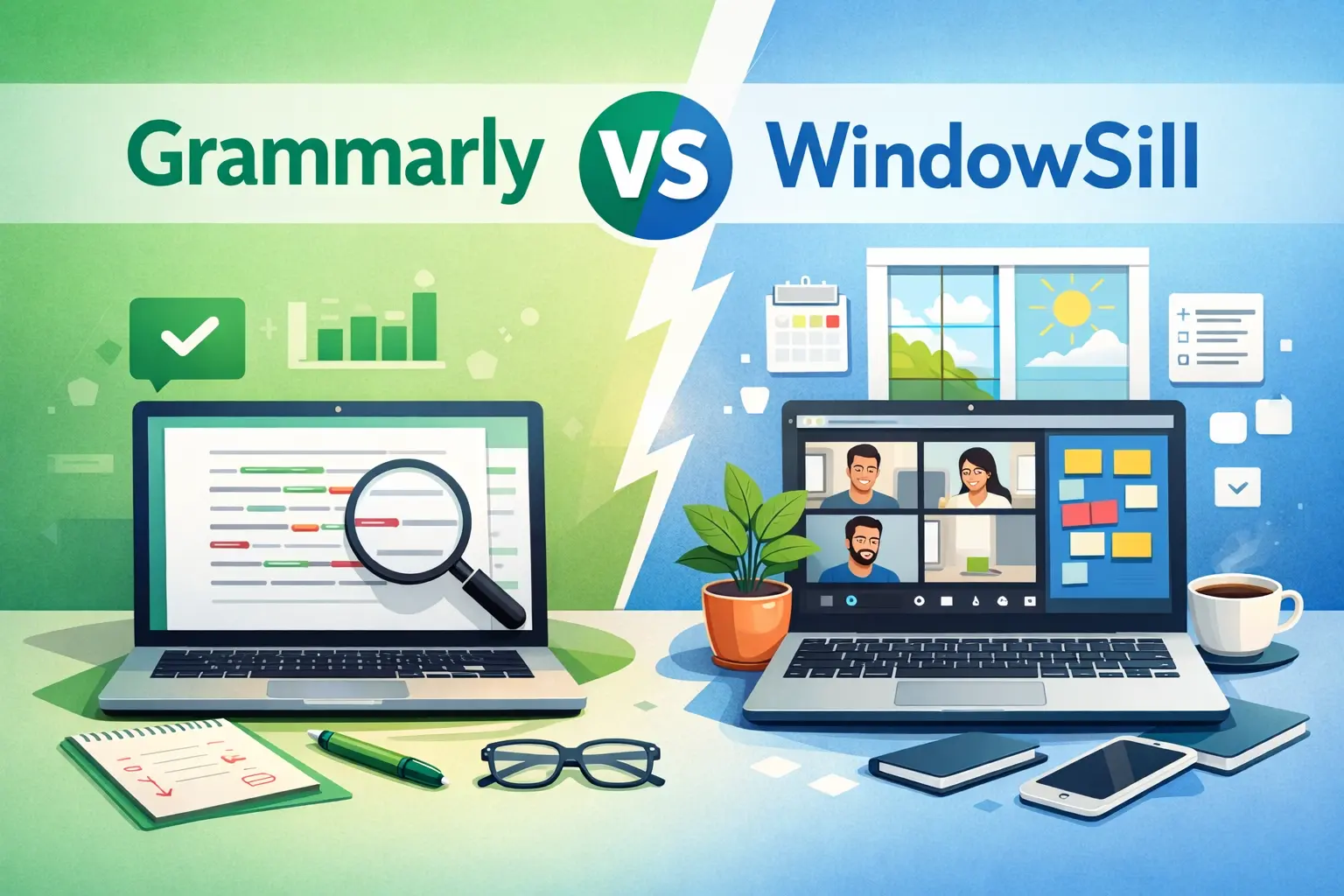
I built a product that competes with Grammarly, so you should take everything I say with a grain of salt. I'll try to be as honest as I can, including about the things Grammarly does better than WindowSill. If I'm not straight with you here, you'll figure it out the moment you try both, and I'd rather earn your trust upfront.
Here's the comparison I wish someone had written when I was evaluating writing tools myself.
The quick version
If you want a single sentence: Grammarly is a better pure writing tool. WindowSill is a better deal if you want AI writing plus a dozen other productivity features in one package.
Now let me break that down.
What Grammarly does better
I'm starting here on purpose. If you read a comparison written by a competitor and they don't acknowledge the other product's strengths, you shouldn't trust anything else they say.
Real-time inline corrections
This is Grammarly's biggest advantage. It underlines errors as you type, right inside your document. You see the red squiggle, you click it, the fix appears. You never have to select text, invoke a tool, or break your writing flow.
WindowSill works differently. You select text first, then trigger the AI from the command bar. It's a two-step process: select, then act. For quick grammar fixes while you're mid-sentence, Grammarly's approach is faster and less disruptive.
I won't pretend this doesn't matter. For people who write all day and want corrections to happen in the background as they go, Grammarly's inline experience is hard to beat.
Cross-platform coverage
Grammarly works on Windows, macOS, iOS, Android, and as a browser extension. If you switch between a MacBook and a Windows desktop, or write on your phone during commutes, Grammarly follows you everywhere.
WindowSill is Windows only. That's a deliberate choice (we build native Windows experiences, not watered-down cross-platform ones), but if you need writing help on a Mac or phone, Grammarly covers that and we don't.
Plagiarism and AI detection
Grammarly Pro includes plagiarism checking and AI-generated text detection. If you're in academia, journalism, or any field where originality verification matters, that's a feature WindowSill doesn't offer and has no plans to add. It's outside the scope of what we're building.
Specialized English grammar expertise
Grammarly has spent years training models specifically on English grammar, style, and clarity rules. Their suggestions for English writing are often more precise than what a general-purpose LLM produces. If English grammar correction is your primary need and you want the most accurate tool for that single task, Grammarly has a deeper specialization.
What WindowSill does better
Price
Let's just do the math.
| WindowSill+ | Grammarly Pro | |
|---|---|---|
| Monthly | $5/mo | $12/mo |
| Annual | $48/year ($4/mo) | $144/year ($12/mo) |
| Lifetime | $48 one-time | Not available |
| 5-year cost (annual) | $240 | $720 |
| 5-year cost (best deal) | $48 (lifetime) | $720 |
The lifetime option is the headline here. You pay $48 once and you're done. Grammarly doesn't offer anything like that. Over five years, the difference is roughly $670.
With the lifetime plan, you bring your own API keys (BYOK), which means you pay for AI usage directly to providers like OpenAI or Anthropic. For typical writing tasks, that runs a few cents per day, maybe $1-3 per month depending on how much you write. Still dramatically cheaper than Grammarly's subscription.
Translation in 35+ languages
Grammarly doesn't translate. At all. If you work with people in other languages, receive emails in French, or need to draft a quick reply in Spanish, Grammarly can't help.
WindowSill translates between 35+ languages directly from text selection in any app. Select the text, pick the target language, done. No browser tab, no copy-pasting into Google Translate.
For multilingual teams or anyone who regularly works across languages, this alone can justify the switch.
You choose your AI model
Grammarly uses its own proprietary AI. You get what you get. You can't switch models, compare outputs, or use a cheaper model for simple tasks and a better one for complex rewrites.
WindowSill supports 11+ AI providers (OpenAI, Anthropic, Google, and more) with access to 400+ models. You can assign different models to different tasks. Use GPT 4.1 Nano for grammar checks (fast and super cheap), Claude for nuanced rewrites (better at preserving voice), and a local model via Ollama or LM Studio for sensitive content (completely private).
Per-prompt model selection means you're never locked into one provider's quality or pricing.
Local AI for privacy
This is the one that matters most to some people. Grammarly processes all your text on their servers. Their privacy policy explains how they handle it, but the fact remains: your text leaves your computer.
WindowSill supports local LLMs through Ollama and other local providers. Your text stays on your machine, or within your enterprise network. The AI runs on your hardware. Nothing gets sent anywhere. For lawyers, healthcare workers, journalists with sources to protect, or anyone writing things they'd rather keep private, this is a real differentiator.
It's not just a writing tool
Grammarly does one thing: writing assistance. It does it well, but that's the whole product.
WindowSill is a command bar that happens to include AI writing. You also get:
- Media control for Spotify, YouTube, Netflix, and others without switching windows
- Clipboard history with password hiding and screenshot protection
- Unit and currency conversion from text selection
- Short-term reminders with full-screen alerts
- Microsoft Teams meeting controls (mute, unmute, leave)
- Image and video compression via drag-and-drop
- URL shortening and QR codes
- Browser zoom controls
- A growing extension marketplace with developer tools, Pomodoro timers, and more
All of this is free. The AI writing features are the only paid part. If you already use separate apps for clipboard management, media control, or image compression, WindowSill replaces several of them.
For a detailed feature-by-feature breakdown, see our comparison page.
Enterprise AI governance
If you're evaluating for a team, this matters. WindowSill Pro lets IT administrators control which AI providers and models team members can use. You can set up provider allow-lists, track AI usage across the organization, share custom prompts, and manage settings centrally.
Grammarly has its own business tier (Grammarly Business), but you're locked into their AI. You can't choose providers, set per-model restrictions, or route sensitive content through a private model while allowing cloud models for general use.
Where they're roughly equal
Tone adjustment. Both let you shift between professional, casual, and other tones. Grammarly has more preset options. WindowSill lets you create custom tones, which is more flexible but requires initial setup.
Spell checking. Both catch typos reliably. No meaningful difference for everyday use.
Custom rules and prompts. Grammarly has style guides for teams. WindowSill has custom prompts with variable injection. Different approaches to the same goal: making the AI match how your team writes.
Who should use Grammarly
- You write primarily in English and want the most specialized grammar tool available
- You need real-time, inline corrections as you type (not select-then-fix)
- You work across macOS, iOS, Android, and Windows
- Plagiarism or AI text detection is part of your workflow
- You don't mind paying ~$12/month for a focused writing tool
Who should use WindowSill
- You want AI writing plus productivity tools in one package instead of paying for three separate apps
- You're cost-sensitive and the $48 lifetime deal matters to you
- You need translation between languages (Grammarly can't do this)
- You want to choose your own AI models or run AI locally for privacy
- You're managing a team and need AI governance (provider allow-lists, usage tracking)
- You're a Windows user who wants native performance over cross-platform compromise
Who should use both
This is a real option. Grammarly's inline corrections and WindowSill's command bar serve different moments in a writing workflow. Grammarly catches mistakes while you type. WindowSill handles the deliberate actions: rewriting a paragraph, translating a reply, adjusting tone before sending.
I've talked to users who run both. Grammarly is their safety net. WindowSill is their power tool. That's a fine setup if the budget allows it.
Frequently Asked Questions
Is WindowSill a Grammarly replacement?
For many users, yes. WindowSill covers grammar checking, rewriting, tone adjustment, and adds translation, custom prompts, and local AI that Grammarly doesn't offer. The main gap is inline-as-you-type corrections, which Grammarly handles and WindowSill doesn't.
Can I try both before deciding?
Yes. WindowSill's productivity features are free forever, and the AI writing features come with a one-week free trial. Grammarly has a free tier with basic grammar checking. You can test both side by side with no risk.
Does WindowSill work with the same apps as Grammarly?
WindowSill works in any app where you can select text: Word, Outlook, Chrome, Slack, Notion, and everything else. Grammarly works in apps that support its browser extension or desktop integration, which covers most popular apps but not all. The coverage is similar with slightly different approaches.
How does BYOK pricing compare to Grammarly's subscription?
With BYOK (Bring Your Own Keys), you pay AI providers directly based on usage. For typical writing tasks using GPT 4.1 Nano, expect roughly $1 or less per month. Combined with the $48 lifetime license, your total cost stays far below Grammarly Pro's $144/year.
Is the WindowSill lifetime plan really one payment?
Yes. $48 once, no recurring charges. AI features are included. The lifetime plan uses BYOK, so you bring your own API keys for AI providers. The monthly and annual plans include built-in AI access without needing your own keys.